Email popup: when to show a popup, exit intent, popup form examples and best practices
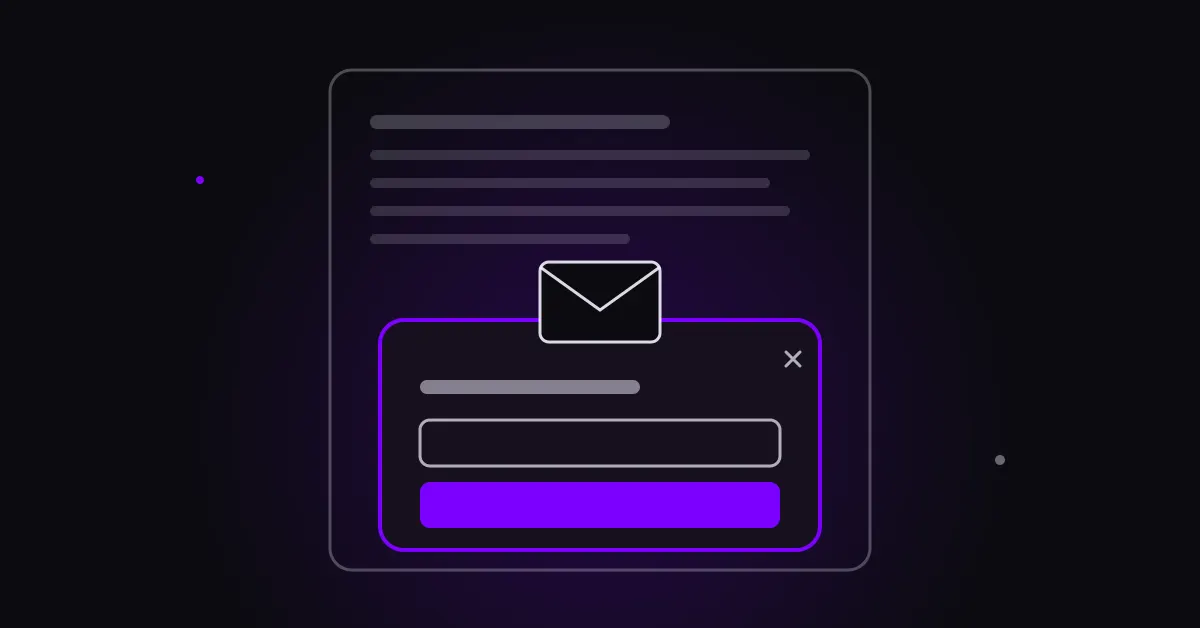
An email popup is a sign-up form that opens over a web page and asks the visitor for their address, usually in return for something: a discount, a guide, or early news. It works when it opens at a moment the visitor would welcome, offers something real, and is easy to close.
Pop-ups have a bad name because so many open the moment a page loads, cover what the visitor came to read, and come back on every page. None of that is necessary. The sections below cover when to show a popup, what an exit intent popup is, popup form examples, popup best practices, and what goes wrong.
What is an email popup?
An email popup is a small window, drawn by the website itself, that opens over the page and holds a signup form. It is not a new browser window, which browsers block; it is part of the page, so the visitor can close it and carry on.
A popup form usually has a heading, a line explaining the offer, an email field and a button. Some ask a second question on a second screen, and some reveal a discount code after the sign-up. A related shape is the flyout, which slides into a corner of the page instead of covering it, and the embedded form, which sits inside the page and never moves. The email signup form guide covers all three and what to ask for.
Do email popups still work?
Yes, when they are timed and targeted; badly timed ones mostly collect annoyance. A pop-up is the most visible place on a site to ask for an address, which is why it brings more sign-ups than a footer form, and why the cost of getting it wrong is higher too.
The visitors who sign up from a well-timed pop-up have already read something or added something to their cart. They know what they are agreeing to. The ones who sign up from a pop-up that opened on arrival often just wanted it gone, and they show it later by never opening your emails. Judge a pop-up by both numbers: how many people sign up, and how many of them read what you send next.
When should you show a popup?
Show a popup after the visitor has shown some interest: a little time on the site, part of a page read, a product added to the cart, or a move to leave. Deciding when to show a popup is choosing which of those signals fits the offer.
| Trigger | Opens when | Suits | Watch out for |
|---|---|---|---|
| Delay | The visitor has been on the site for a set number of seconds | A first-order discount for new shoppers | Too short a delay is the same as opening on arrival |
| Scroll depth | The visitor has scrolled a set share of the page | Newsletters on articles and blogs | On short pages, a high percentage is reached at once |
| Exit intent | The visitor looks about to leave | A last offer before they go | It interrupts nothing, but it also reaches only people already leaving |
| Add to cart | Something is added to the cart | Free shipping or a discount to finish the order | Do not block the path to checkout |
| Click | The visitor clicks a link or button you placed | “Get the guide” or “Join the waiting list” buttons | None: the visitor asked for it |
How long should the delay be?
Long enough that the visitor has seen something. Count from the start of the visit, not from each page, so someone who moves quickly between pages still reaches the pop-up once. In Rasket a delay is up to 120 seconds and counts from the visit’s first page, and a scroll trigger is set between 5% and 100% of the page.
What is an exit intent popup?
An exit intent popup opens when the visitor seems about to leave the page, rather than at a set time. It catches people at the end of their visit, when interrupting them costs the least.
On a computer, the usual signal is the pointer moving out through the top of the window, towards the tabs, the address bar or the close button. Phones have no pointer, so the signal there is different: Rasket treats a quick scroll back up, after the visitor has read at least a quarter of the page, as the move to leave.
Exit intent suits a last offer, such as a discount or a free guide, more than a plain newsletter. It reaches fewer people than a delay, because it only fires for visitors on their way out, so pair it with an embedded form that everybody else can still find.
What are some popup form examples?
These popup form examples each pair one offer with one trigger, which is the decision that matters most.
- First-order discount. New visitors, after a short delay. The code appears after the sign-up, so it is a reward, not a bribe for an invalid address.
- Newsletter on a blog. Readers who scroll most of the way through an article. The heading names what the newsletter covers and how often it arrives.
- Finish the order. Opens when something is added to the cart, with free shipping or a small discount for completing the purchase today.
- Last chance before leaving. Exit intent on product pages, with an offer to email the item or a discount.
- Guide download. A button in the article that says “Get the checklist” opens the pop-up on click. Nobody is interrupted.
- Two-step quiz. The email first, then one question, such as which products interest them, so the first emails can match.
What are the popup best practices?
The popup best practices that matter most are about restraint: one pop-up, at the right moment, easy to close, and never shown again to someone who already said yes or no.
- One per visit. If several pop-ups could open, show the most important and hold the rest for another visit.
- Respect a close. Someone who closed the pop-up gave you an answer. Keep it away for days, not until the next page.
- Hide it from subscribers. People who already get your emails should not be asked again. A visit from a link in one of your emails is a good sign of a subscriber.
- Make closing obvious. A visible close button, the Escape key, and a click outside the box should all close it.
- Keep it small on a phone. A sheet from the bottom of the screen leaves the page visible above it.
- Make it usable without a mouse. When it opens, move keyboard focus into it, keep focus there while it is open, and return focus to the page when it closes.
- Say what happens next. If people will get a confirmation email first, the thank-you screen should say so.
What goes wrong with popups, and how do you fix it?
Most pop-up problems are timing, targeting or consent problems that look like design problems. This table lists the common ones and the fix for each.
| Problem | Likely cause | Fix |
|---|---|---|
| Many views, very few sign-ups | It opens before the visitor has seen anything | Switch to a scroll trigger or a longer delay |
| Sign-ups never open your emails | People signed up to make the pop-up go away | Offer something real, and open it later in the visit |
| Complaints that it keeps coming back | No interval after a close | Keep it away for days after a close, and for good after a sign-up |
| Subscribers see it on every visit | The site cannot tell who subscribed | Hide it from people who signed up in this browser or came from your emails |
| It covers the whole phone screen | The desktop design shown on a small screen | Use a phone design: a bottom sheet with less text |
| Shoppers abandon the checkout | A pop-up opens on the cart or checkout page | Leave those pages out of its page rules |
| Sign-ups from Europe you cannot prove | A pre-ticked consent box | Leave the box unticked, and keep the wording each person saw |
Can an email popup hurt your search rankings?
It can make a page less useful to searchers, which Google says it considers. Its page Avoid intrusive interstitials and dialogs asks sites not to cover the whole page with interstitials, especially for promotion, and suggests banners that take up a small part of the screen instead.
In practice that means no full-screen pop-up the moment a visitor arrives from a search, above all on a phone. A pop-up that opens later in the visit, or a small sheet at the bottom of the screen, leaves the content the searcher came for in view. On a phone, Rasket draws a pop-up as a sheet from the bottom of the screen, and a pop-up on a delay waits at least five seconds there, even if you set a shorter delay.
What consent rules apply to a popup form?
The same rules as any signup form: the pop-up is only where the form sits. What changes is the country of the person signing up.
- United States. CAN-SPAM requires no consent before marketing email, but every email must offer a way out, honoured within 10 business days, and a postal address, as the FTC’s compliance guide explains.
- UK and EU. Consent must be an active choice. The UK regulator’s guidance on valid consent says pre-ticked boxes are not consent, and that the request must be separate from other terms.
- Canada. The anti-spam law on the Justice Laws website requires the request to say what consent is for and who is asking, and puts the burden of proving consent on the sender.
A discount in return for an address is fine everywhere, as long as the person still ticks the box themselves and knows they are joining a list. The email signup form guide covers each country in more detail, and the double opt-in email guide covers confirming addresses by email.
How do you set up an email popup in Rasket?
Under Audience, Forms, choose a pop-up template, change its blocks, set its trigger and rules, and publish it. Then paste the Rasket script on every page of your site once, and the pop-up appears by itself when its trigger fires.
A pop-up can open after a delay, at a scroll depth, on exit intent, after an add to cart, or when someone clicks an element you mark with its id. Rules choose the pages, the device, the country, new or returning visitors, the cart and the products, and can hide it from subscribers and from customers. When several pop-ups and flyouts could open, only the highest priority ones are armed, and at most one opens per visit across every tab.
Closing a pop-up keeps it away for the number of days you choose, up to 365, and signing up keeps it away for a set number of days or for good. A teaser can bring back a closed pop-up as a small tab. The visitor can close it with its button or the Escape key, keyboard focus moves into it when it opens and back when it closes, and the page behind never moves. The code that draws a form loads only when one is due to open, so pages without a pop-up to show carry none of it.
A click trigger needs one attribute on the link or button that should open the form:
<a href="#" data-rasket-open="<form id>">Get 10% off your first order</a>
Consent comes with the form
A visitor must tick the consent box to sign up. In the EEA and the UK the box always starts unticked, and Rasket keeps the published consent text, the page and the state of the box with every sign-up. Rasket’s sign-up forms shows the editor, and the sign-up forms docs list every rule.
Published Updated 10 min readBy the Rasket team
Written for email marketers, e-commerce teams and small business owners
Frequently asked questions
How soon should an email popup appear?
After the visitor has seen something: some seconds into the visit, partway down a page, or when they add to the cart. Count the delay from the start of the visit rather than each page. Opening the moment a page loads mostly collects people who want the pop-up gone.
Do exit intent popups work on mobile?
Not the usual way, because a phone has no pointer to leave the window. On a phone, Rasket reads a quick scroll back up, after a quarter of the page has been read, as the move to leave. On a computer the signal is the pointer leaving through the top of the window.
How often should a popup show to the same person?
Once per visit at most, and not again for some days after they close it. In Rasket you set how many days a closed pop-up stays away, and after a sign-up it stays away for the days you choose or for good. At most one pop-up or flyout opens per visit, across every tab.
Should I show a popup to people who already subscribed?
No. Asking a subscriber to subscribe tells them you do not know who they are. Hide the pop-up from people who signed up in this browser, people who arrive from a link in your emails and, on a store, logged-in customers who accept marketing. Rasket's subscriber rule covers all three.
Will a popup hurt my SEO?
A pop-up that covers the whole page as a visitor arrives from search makes the page harder to use, and Google's guidance on intrusive interstitials asks sites to avoid that. A pop-up that opens later in the visit, or a small sheet at the bottom of a phone screen, keeps the content in view.
Is a popup better than an embedded signup form?
They do different jobs, so most sites use both. A pop-up is seen by more visitors and usually brings more sign-ups, at the cost of interrupting. An embedded form never interrupts and is always there for the reader who wants it. Start with the embedded form, then add one well-timed pop-up.
Can a popup open when someone clicks a button?
Yes, and it is the most welcome kind, because the visitor asked for it. In Rasket, put a data-rasket-open attribute with the form's id on any link or button, or link to #rasket- followed by the form's id, and clicking it opens the pop-up. A click-only pop-up never opens by itself.
Sources
- Avoid intrusive interstitials and dialogs — Google Search Central, read 2026-11-20
- CAN-SPAM Act: A Compliance Guide for Business — US Federal Trade Commission, read 2026-11-20
- What is valid consent? — Information Commissioner's Office, read 2026-11-20
- Canada's Anti-Spam Legislation, S.C. 2010, c. 23, sections 10 and 13 — Justice Laws Website, Government of Canada, read 2026-11-20
- Rasket docs: Sign-up forms on your site — Rasket, read 2026-11-20
Related
- Sign-up forms — Build pop-ups, flyouts and embedded newsletter sign-up forms by dragging blocks. Target who sees them, record email and SMS consent, add them with one script.
- Double opt in email: how it works and why — How a double opt in email works and why it pays: the confirmation email, a link scanners can't trip, what to send after the click, and the law.
- Email signup form: examples, fields and consent — How to create an email signup form: six signup form examples, the fields to ask for, consent rules in the US, UK, EU and Canada, and dos and don'ts.
- Sign-up forms — Pop-ups and embedded forms on your site, and the rules that pick one.
- SMS opt in: wording to copy, TCPA rules and proof — SMS opt-in wording you can copy, what the TCPA and CTIA require before a marketing text, double opt-in by replying Y, and the proof of consent to keep.